Your coaching.
One place.
Primal Powerhouse connects coaches and clients through personalised training, nutrition, progress tracking, and direct support.
Access is currently limited to invited coaches and clients.
What it is
Built around the coaching relationship.
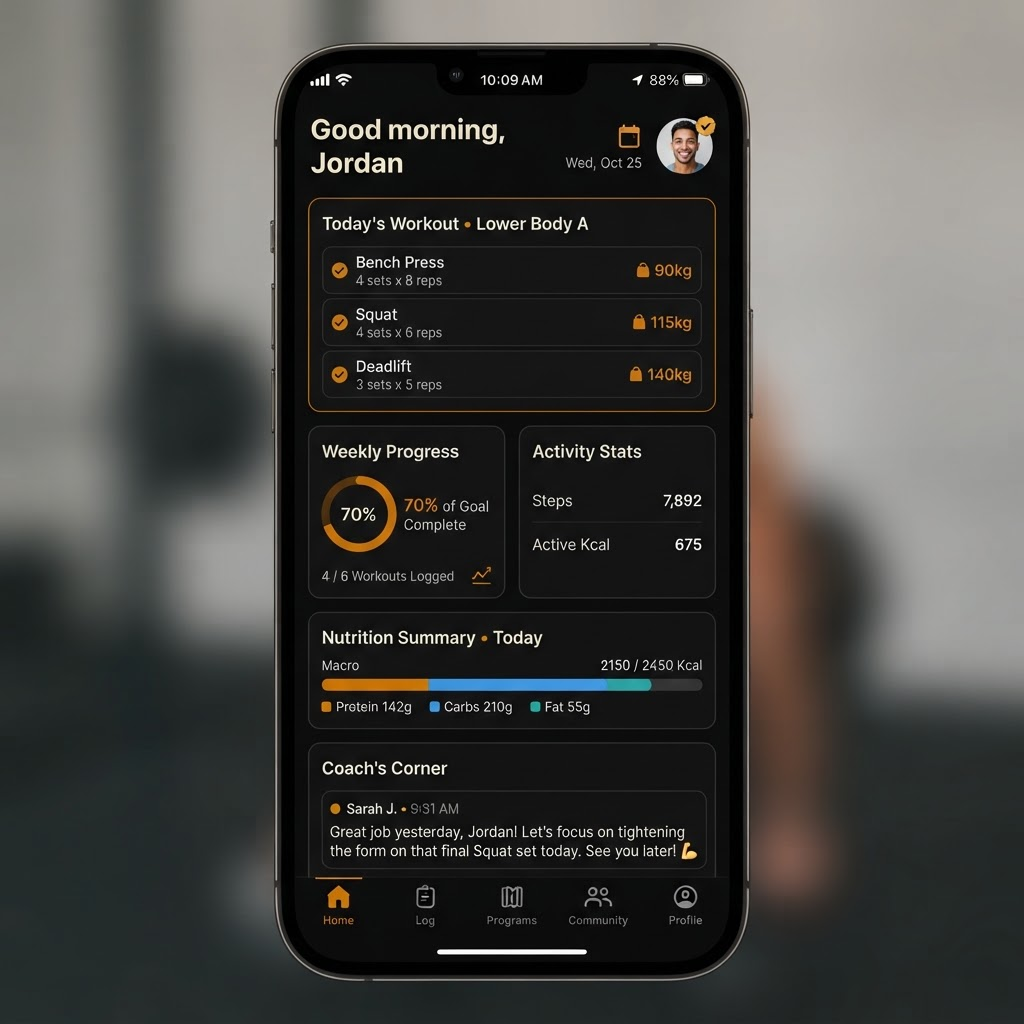
Coaches can manage and support every client from one place. Clients access their personalised fitness and nutrition experience without jumping between apps.
Separate coach and client access
Coaches manage their roster. Clients see only their own experience.
Personalised workouts and assignments
Tailored programs built and adjusted by the coach.
Nutrition and meal planning
Macro targets, meal logs, and coach-assigned nutrition plans.
Progress and body-metric tracking
Weight, measurements, and visual progress over time.
Workout videos and media
Coaches attach instructional video directly to exercises.
Messaging and ongoing support
Direct communication between coach and client, in context.
Installable PWA experience
Works on any device, installs like a native app, no App Store required.
Interface
The product.
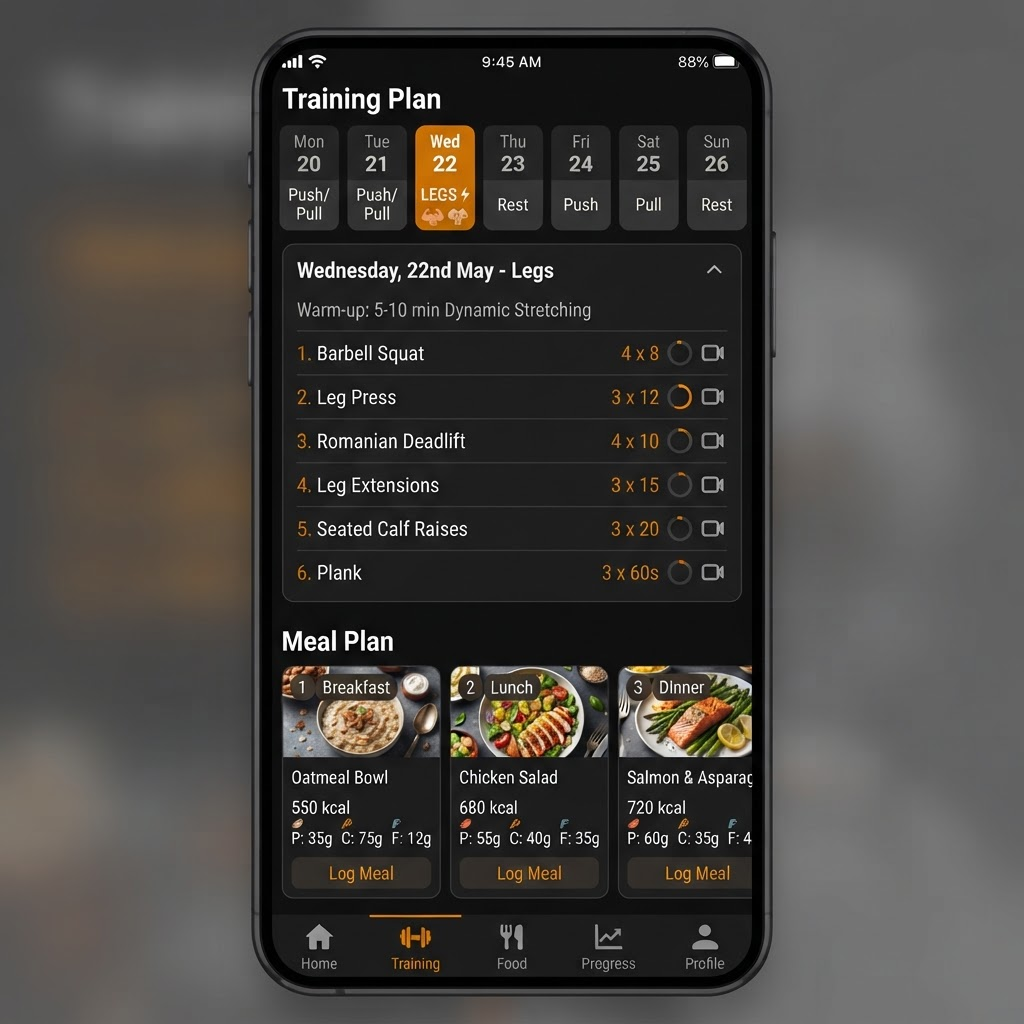
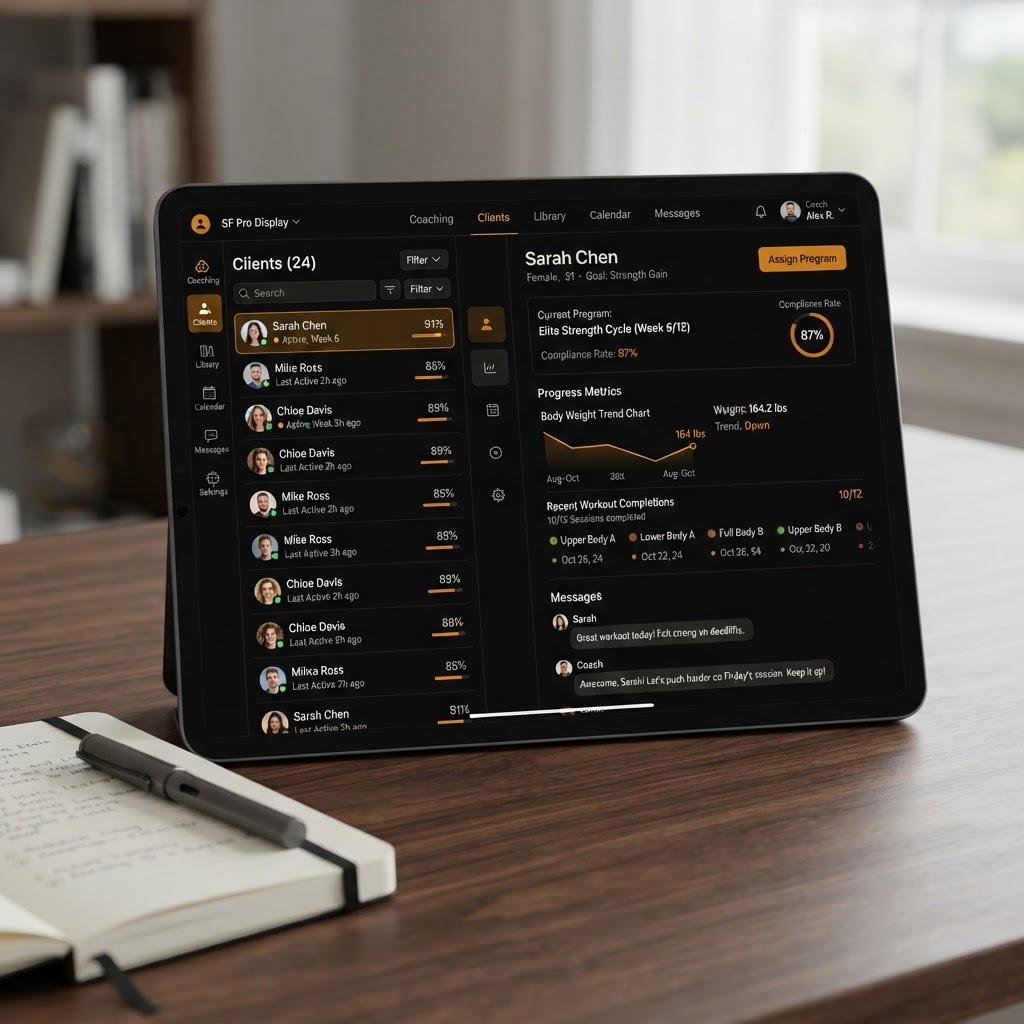
The product is actively evolving during private beta. Some features and interface details may change.
Installation
Install Primal Powerhouse
Primal Powerhouse is a Progressive Web App. It installs directly from your browser and opens like a regular app — without an App Store download.
iPhone & iPad
- 1.Open
app.primalpowerhouse.comin Safari. - 2.Tap the Share button.
- 3.Select “Add to Home Screen.”
- 4.Tap Add.
Safari is required for installation on iPhone and iPad.
Android
- 1.Open
app.primalpowerhouse.comin Chrome. - 2.Tap “Install app” when prompted.
- 3.If no prompt appears, open the browser menu and select “Add to Home screen” or “Install app.”
Desktop
- 1.Open
app.primalpowerhouse.comin Chrome or Edge. - 2.Select the install icon in the address bar.
- 3.Confirm the installation.
Status
Currently in private beta
Primal Powerhouse is being tested and refined with real coaches and clients. Access, features, and availability may change as the platform develops.